




Currently there are many online CCTV lens calculators for web browsers. Such online tools can help to calculate lens focal length, field of view and even pixel density.
Here is a modern lens calculator with 3D functions and more than 9000 cameras in the built-in database. The database of the calculator includes camera models from AXIS, Hikvision, Hanwha, Dahua, BOSCH, Uniview, IDIS, Reolink, Vivotek, ABUS, Honeywell, Huawei and more than 80 other manufacturers and brands.
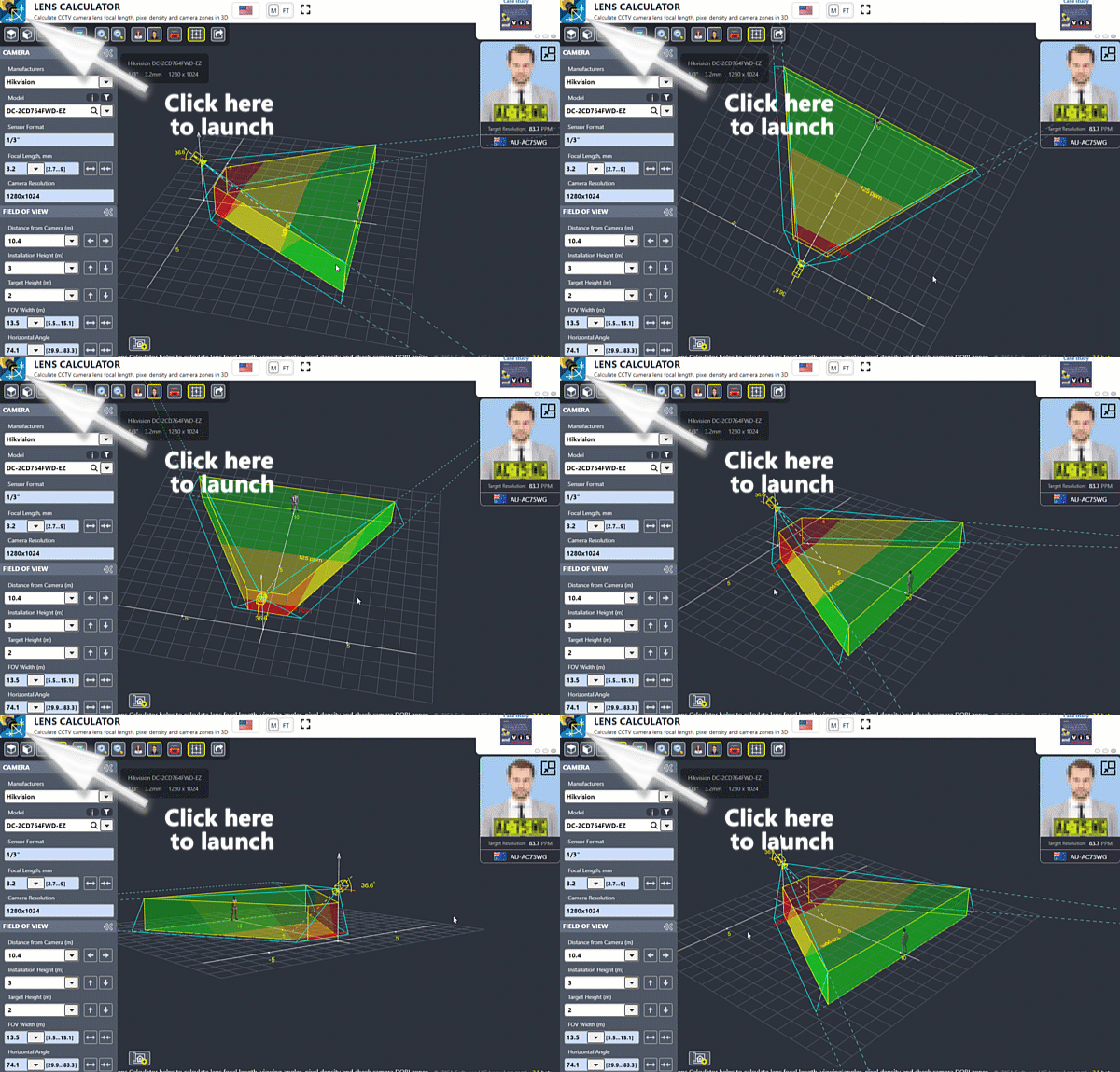
Picture 1. Lens angle of view calculator / lens focal length calculator
Lens Calculator
with a 3D modeling, database of camera models, DORI zones, and possibility to import a floor plan.

Launch lens calculator.
Yet, the most comprehensive tool is a CCTV design software called IP Video System Design Tool that has the graphical lens calculator and the unique site plan 2D/3D modelling features and the database of camera models with exact angles.
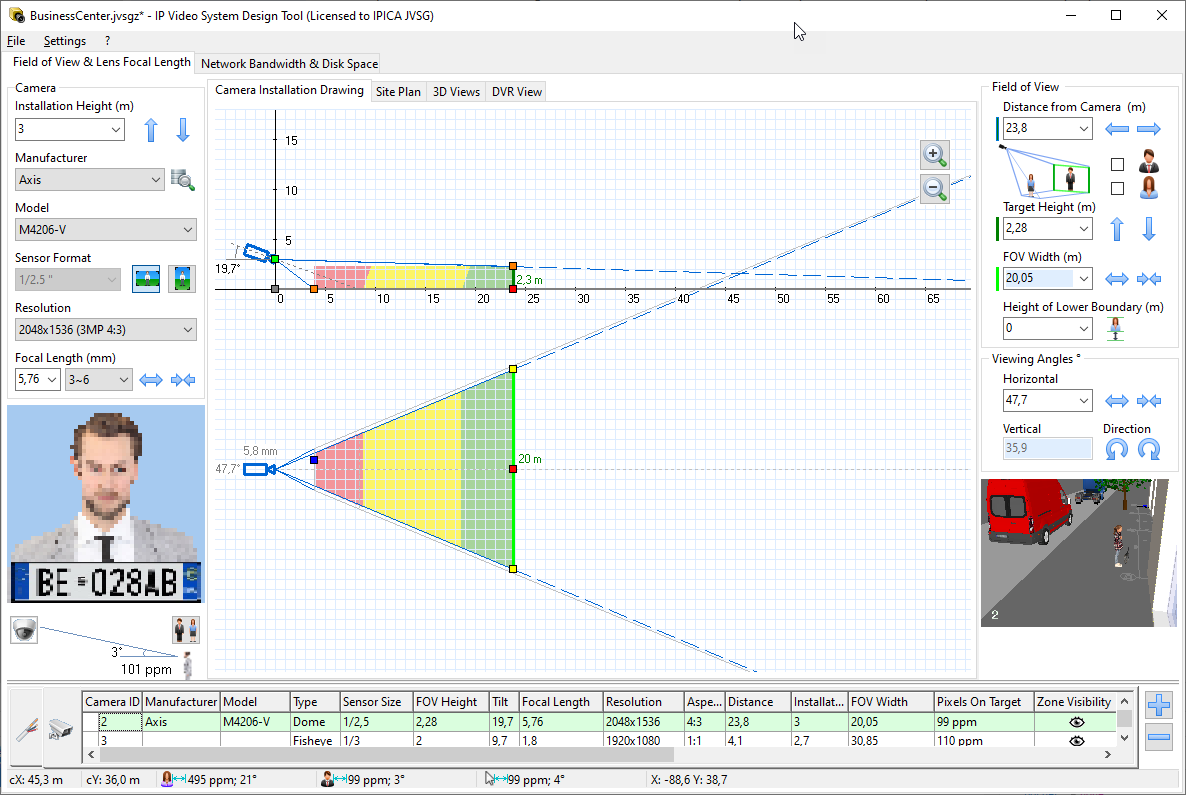
Picture 2. Camera lens distance calculator. CCTV calculator
Not only it works as a focal length calculator, but also allows you to import a site or floor plan from JPEG, PDF or AutoCAD drawings, add obstacles like walls, people and other 3D objects, to get a 3D model of your video surveillance system. This tool calculates PPF/PPM and displays detection, observation, recognition and identification zones (DORI zones) on the site plan based on calculated pixel density. This software supports Fisheye and multi-sensor panoramic cameras and helps to plan CCTV camera layouts.
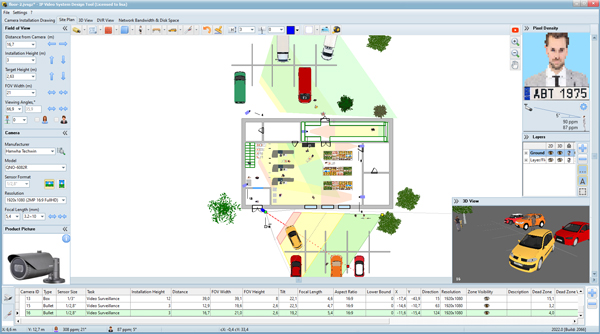
Picture 3. Example of graphical CCTV Lens Calculator. Camera field of view simulator
This software tool has all the functions of online tools, but it’s cctv lens field of view calculator uses the database of camera models to calculate the exact angles, viewing area, focal length. The program displays the actual field of view in a horizontal and vertical projections. You can get a 3D view from the camera using a 3D modeling feature. Apart from these functions you can estimate all other video surveillance system parameters, like network bandwidth and storage space and calculate length of cables.
Download a trial version of IP Video System Design Tool
You can use this online lens calculator, or you can download the full featured CCTV design software tool that includes lens calculator from here. Old version of the online calculator is here.

History of security camera calculators
First CCTV lens calculators were wheel calculators made out of paper.
Such wheel lens calculators are very easy to use. One such wheel lens field of view calculator is shown bellow and the procedure to use this is pretty simple. Just select CCD Sensor Format (like 1/3″) and then rotate the wheel to choose the desired field of view (FOV).
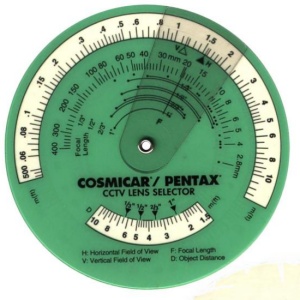
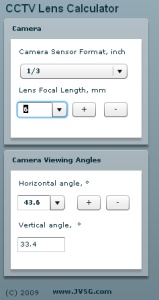
Picture 5. Old CCTV Lens Focal Length Calculator and online CCTV lens calculator
Now CCTV lens calculators made huge leap forward and have been transformed from paper to PC.
Online Camera Lens Calculator parameters:
Camera sensor format (Sensor Size) - Video camera’s CMOS/CCD chips sizes in 2020: 1/2.8″, 1/2.7″, 1/2.5″, 1/2.3″, 1/3″, 1/3.2″, 1/3.6″, 1/1.8″ as well as traditional 1/4″, 1/2″, 2/3″, 1″.
Lens Focal Length - The distance from the center of a lens to the focal point (sensor). The longer the focal length, the narrower is the angle of view and vice versa. See: Focal Length Calculator.
Field Of View (FOV) - The width, height or diameter of a scene to be monitored. Usually determined by the focal length of a lens, the sensor format and the distance to the objects. See: Camera Field of View Simulator, Camera view angle.