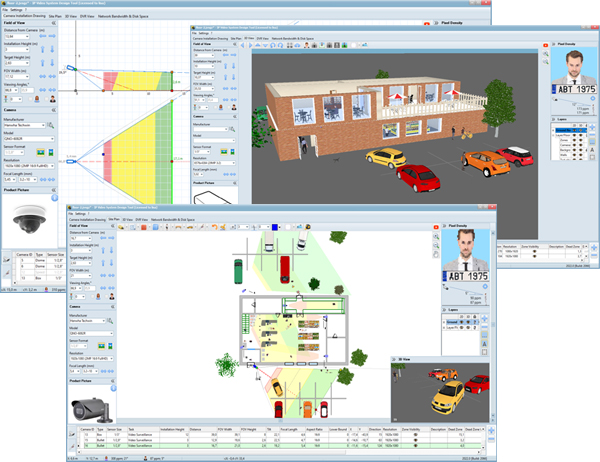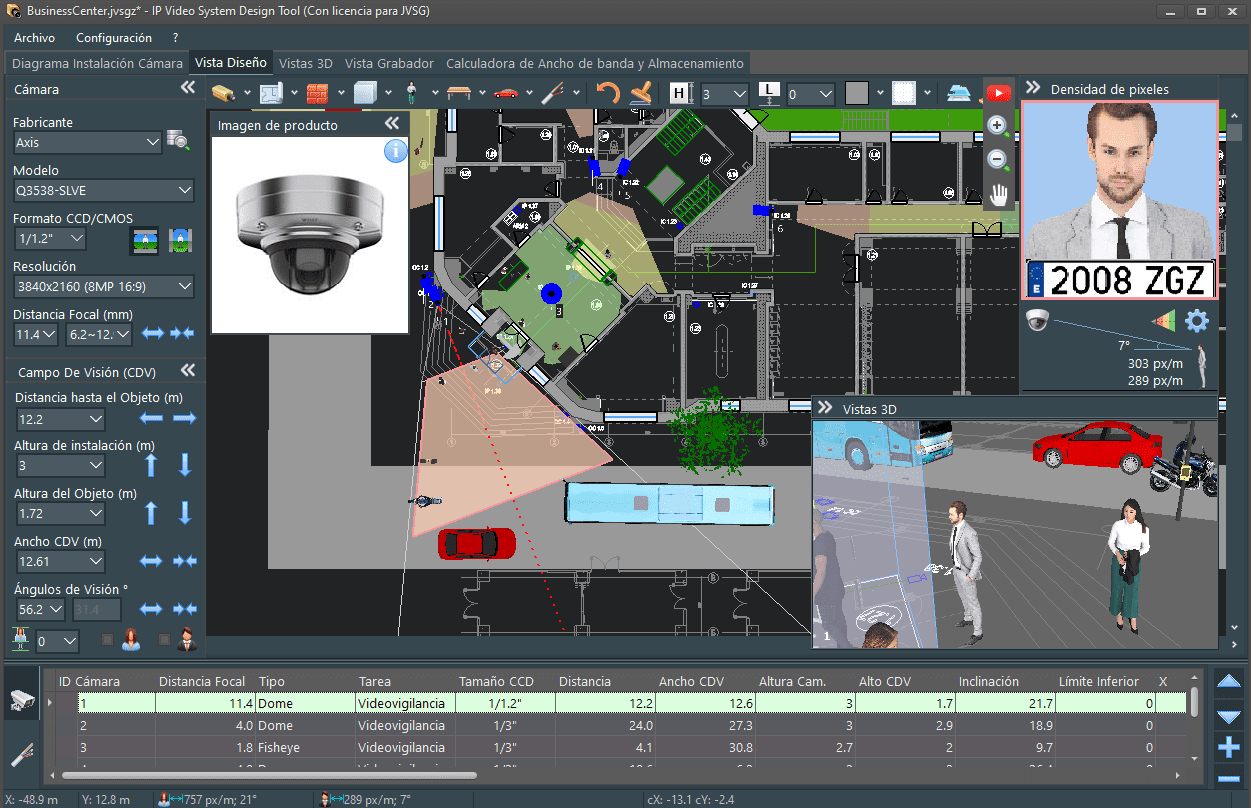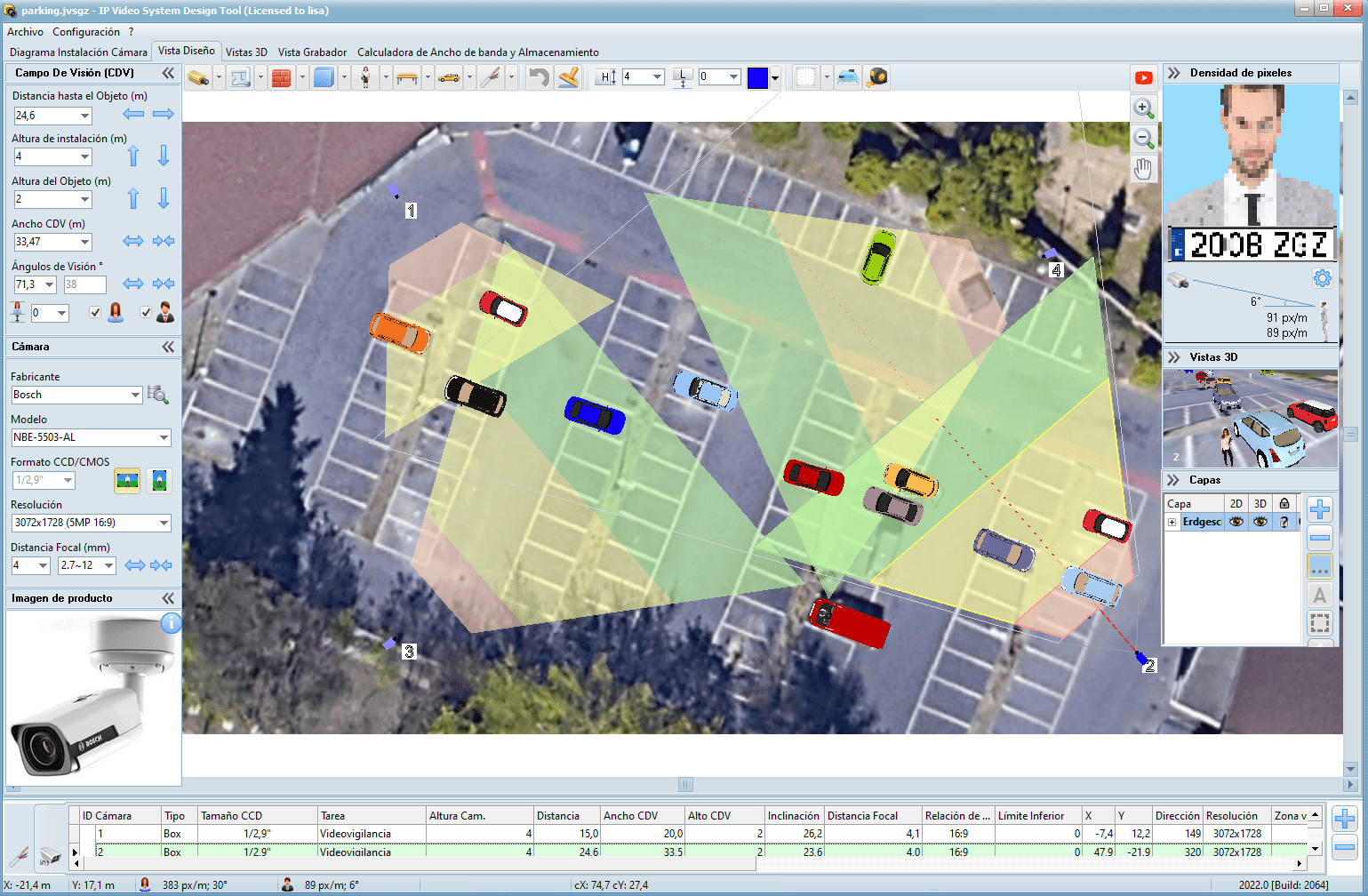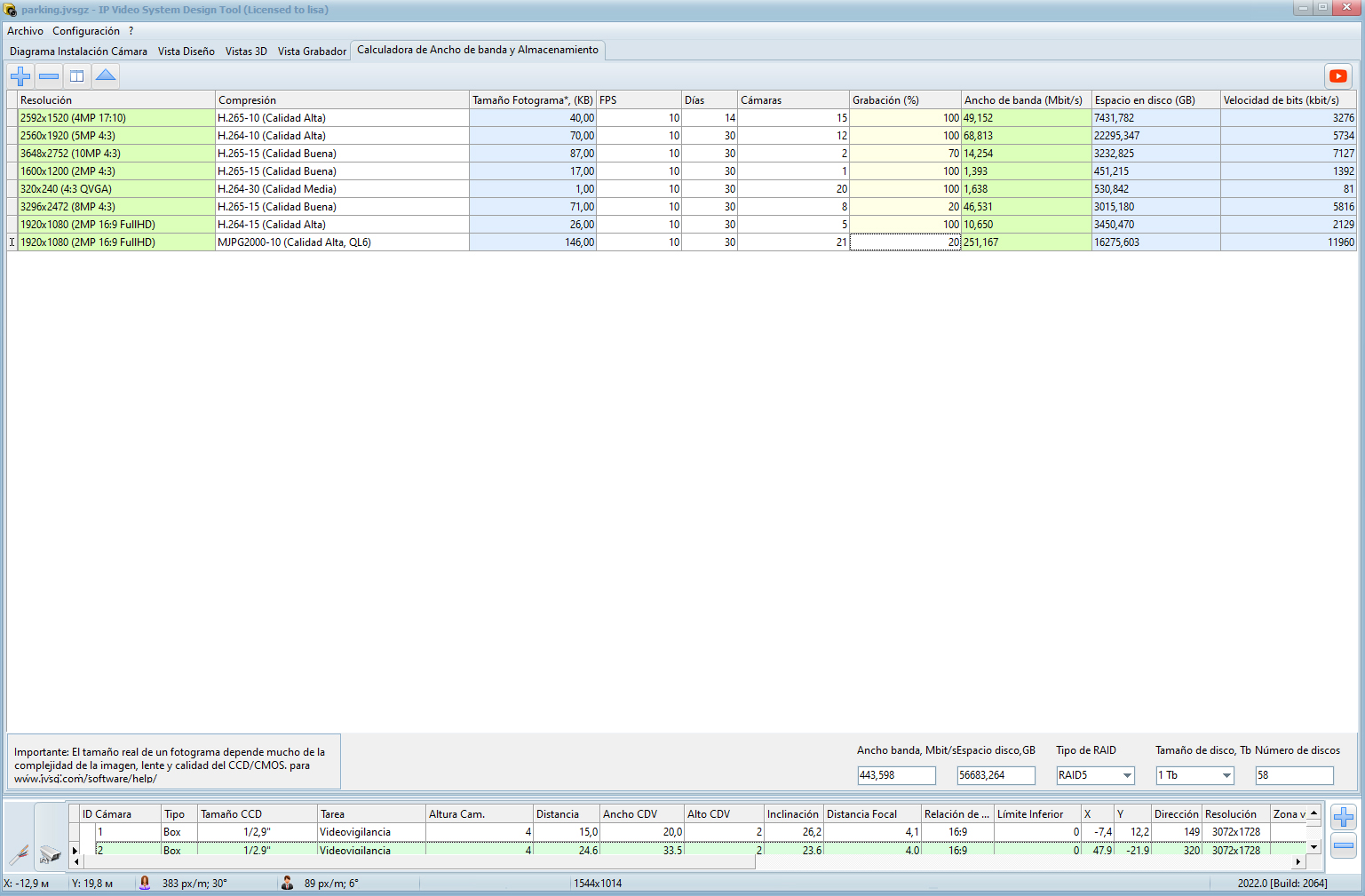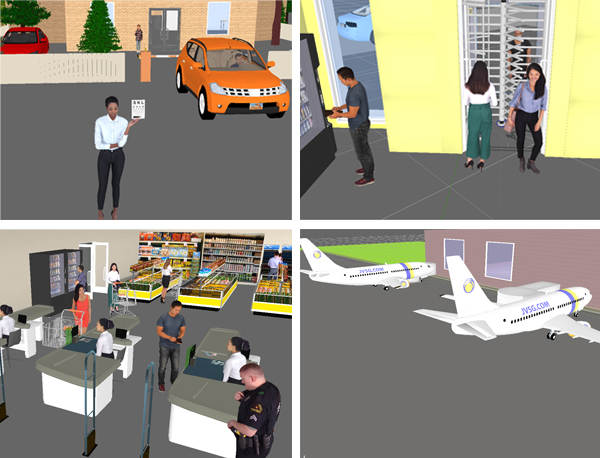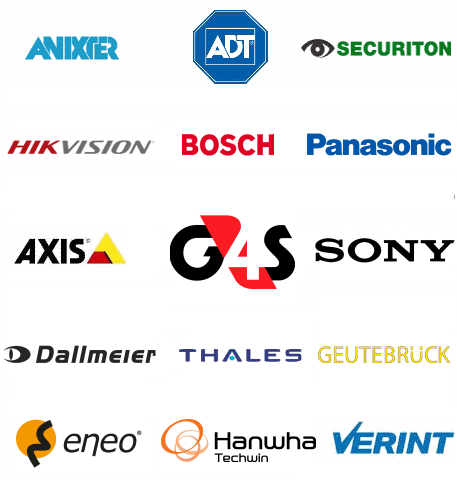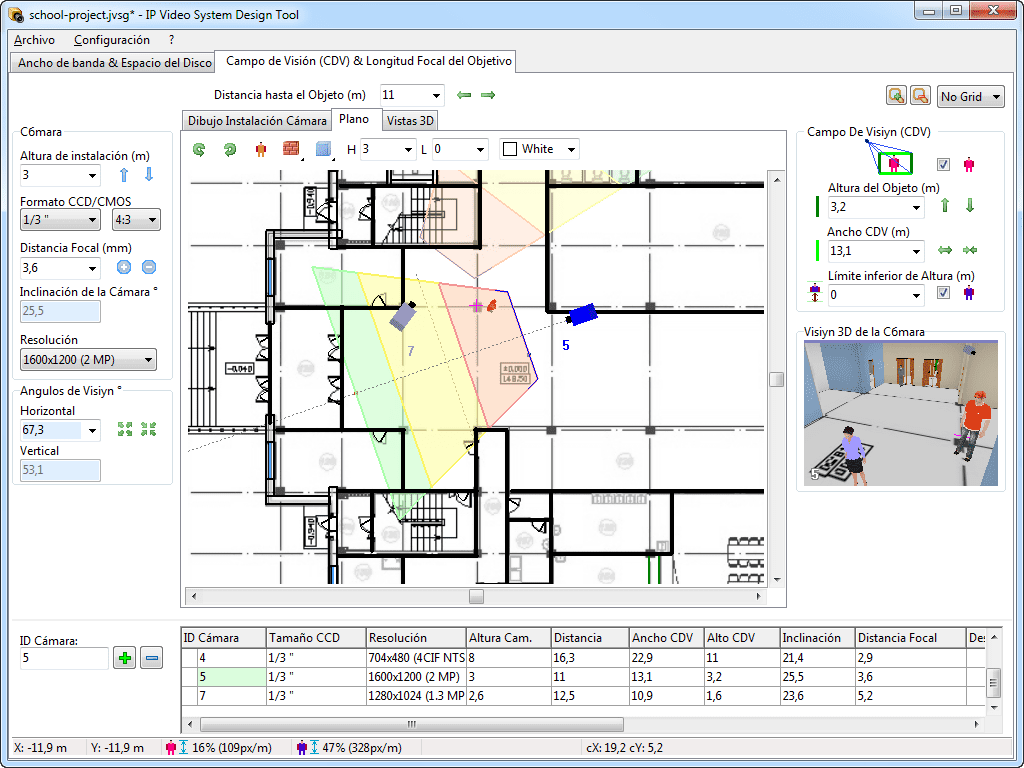

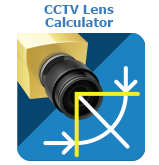





See all our news on IP Video System Design Tool Facebook page.
Version 2024 | Version 2022 | Presentation in PDF | Presentation on Slideshare
New article: Camera Placement Tool
Version 2024 (build 2232, published on 12th of April 2024, Download link 433 Megabytes).
- Faster PDF/DOCX generation. (build 2232)
- Important bugfix for license verification. (build 2231)
- Bugfix: Too large camera icons in PDF/DOCX. (build 2228)
- Bugfix: fixed Midas.dll error. (build 2227)
- Bugfix: fixed EOutOfResources error. (build 2226)
Version 2024 (build 2225, published on 28th of March 2024, Download link 433 Megabytes).
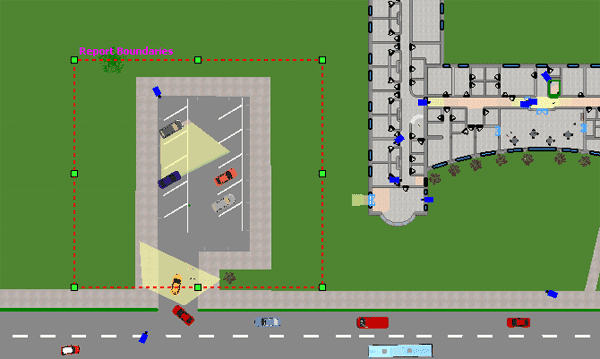
- The user can set Report Boundaries to limit site plan export area during PDF report generation.
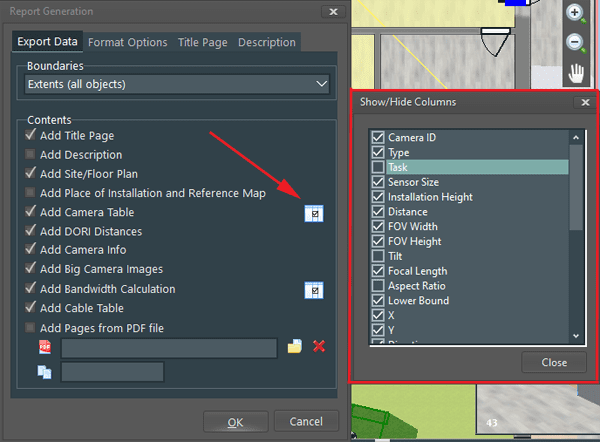
- The user can select columns to add to PDF report by clicking on Show/Hide Columns button (Menu/File/Export to PDF/Add Camera Table/).
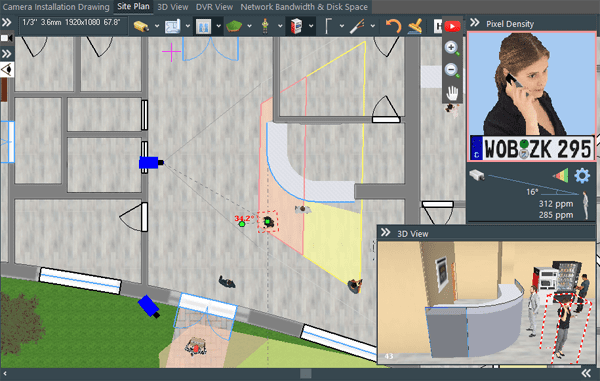
- The program displays the horizontal angle when the user adds a 3D model of a person to the Site Plan.
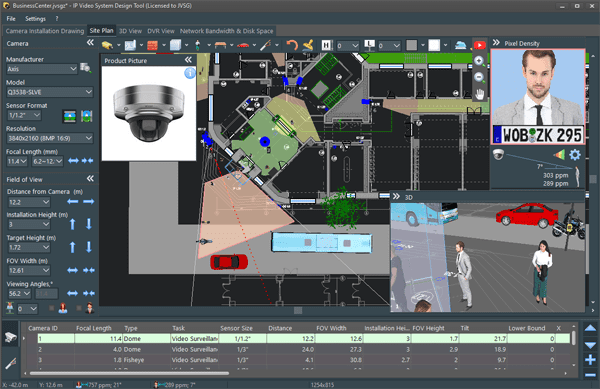
- People’s faces are displayed in the pixel density indicator window when the user adds a 3D model to the Site Plan.
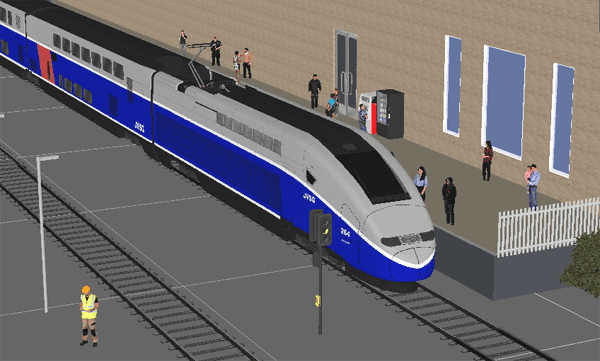
- 3D models of railroad rails and passenger train have been added (expert version).
- 13,421 cameras in the camera database.
- Bug fixes for the last 2 months.
Version 2024 (build 2202, published on 8th of January 2024, Download link 429 Megabytes).
- Small bug fixes.
New features of IP Video System Design Tool 2024
[download link, 433 MB]
- User interface: Dark theme (Menu/Settings/Appearance/Dark Theme).
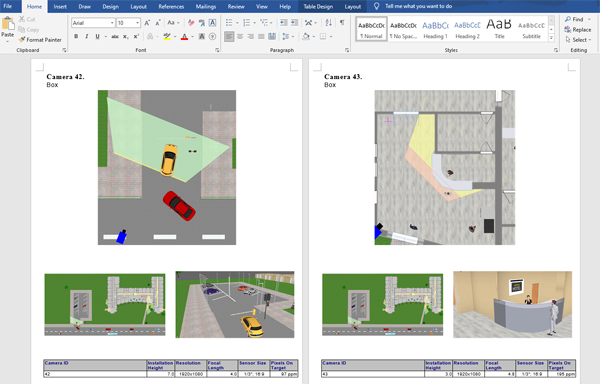
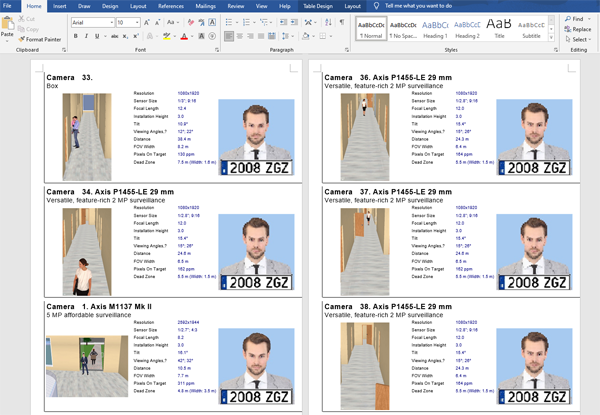
- Export to Microsoft Word.
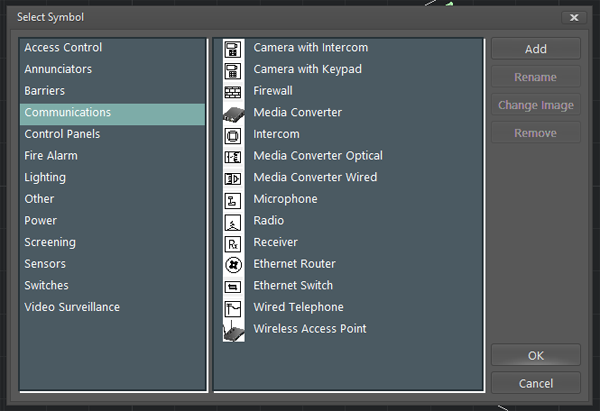
- Access Control, burglar alarm symbols.
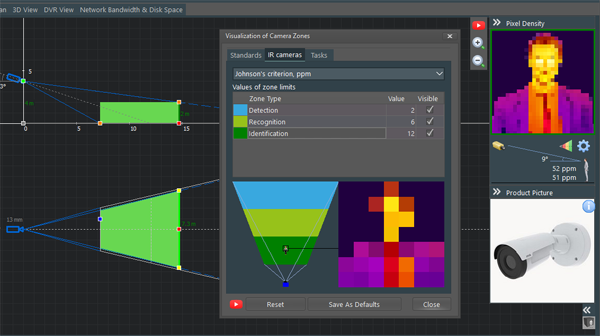
- Visualization of pixel density for thermal cameras.
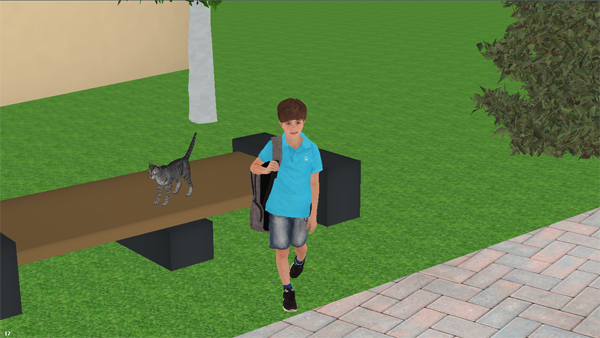
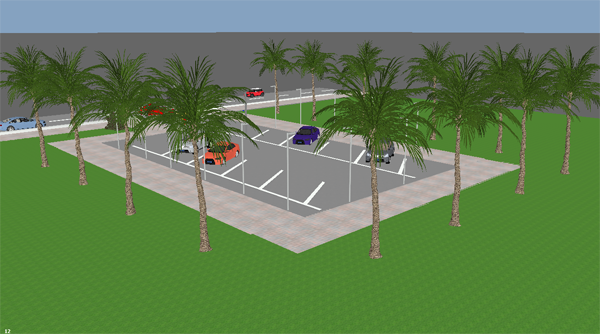
- New 3D models (palm, boy).
- New camera models in the camera database.
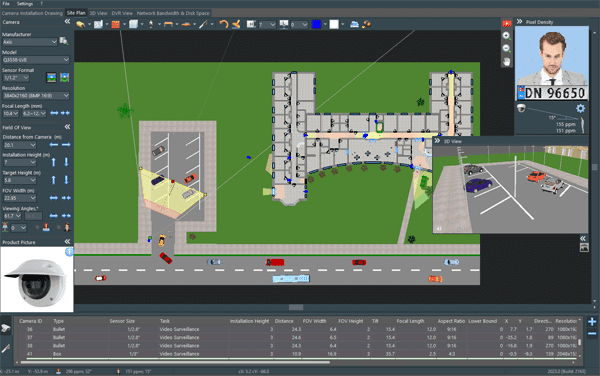
Video of dark theme: Quick CCTV System Modelling
New article: 10 Common Mistakes to Avoid in Security Camera Installation
Version 2024 (build 2197, published on 29th of November 2023, Download link 428 Megabytes).
- Bug fixes for last 3 months.
Version 2022 (build 2155, published on 3rd of August 2023, Fast download link (HK SAR), download link, 398 Megabytes).
- Bug fixes.
- Number of camera models in the camera database is 12222.
On July 26th, 2023, BURG-GUARD cameras were integrated with JVSG software.
Version 2022 has been published
Version 2022 (build 2147, published on 16th of May 2023, Fast download link (HK SAR), download link, 398 Megabytes).
- Small bug fixes.
Version 2022 (build 2144, published on 27th of April 2023).
- Bug fix for PDF report when the cable tab is selected.
- Bug fix for builds 2140-2141 for large projects.
- Google Maps timeout fix (“Alternative settings for Google Maps” selected by default).
Version 2022 (build 2140, published on 14th of April 2023, Fast download link (HK SAR), download link, 398 Megabytes).
- Camera database update.
- Improved compatibility with Apple M2 processor on Parallels Desktop.
- Bug fixes.
- If Google Maps doesn’t work, please go to menu: Settings/Program Preferences/Web and check “Alternative settings for Google Maps”.
28th of January 2023. Elvox IP CCTV and AHD cameras are integrated with the JVSG software. More.
Version 2022 (build 2114, published on 14th of December 2022).
- Improved Automatic Number Plate Recognition (ANPR) and Automatic Face Recognition (FR) design functions.
- DWG import bug fixes.
- Small Bug fixes.
Version 2022 (build 2110, published on 29th of November 2022, download link, 398 Megabytes).
- Improvement: Stamp Tool for drawing walls is more accurate now.
- Small Bug fixes.
Version 2022 (build 2104, published on 10th of November 2022, download link, 398 Megabytes).
- Bug fix for white camera symbols.
- Bug fix for curved walls.
- To run this version you need to have a license key purchased after 1st of October 2021.
Version 2022 (build 2095, published on 26th of September 2022, download link, 398 Megabytes).
- Support of Parallels Desktop 17/18 for MacOS (Intel or Apple M1 processors).
- Supported modified Google Maps API. To make Google Maps work please go to menu/Settings/Program Preferences/Web and check “Alternative settings for Google Maps”.
- Supported 1/1.12″ sensor size.
- Optimization: Faster camera selection.
- Optimization: Faster large background loading.
- Hikvision cameras update.
- Vivotek cameras update. 10,790 camera models in the database.
- Bugfix for builds 2080-2088: camera database.
- Classic White Theme.
- To run this version you need to have a license key purchased after 1st of January 2021.
Version 2022 (build 2067, published on 2nd of June 2022, 396 Megabytes).
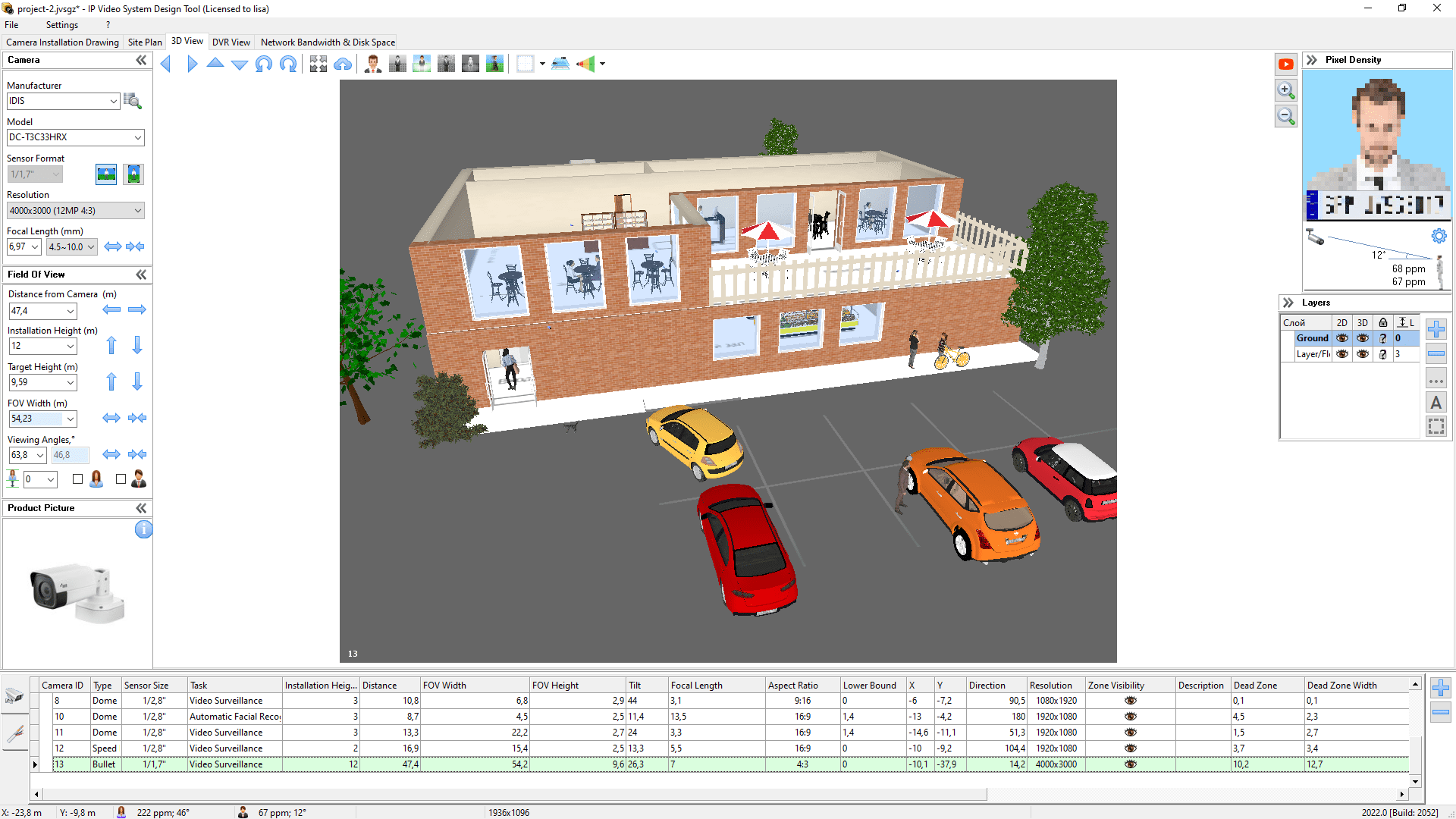
- Multi-floor support: it is possible to create projects with several floors.
- User defined layers in Layers window.
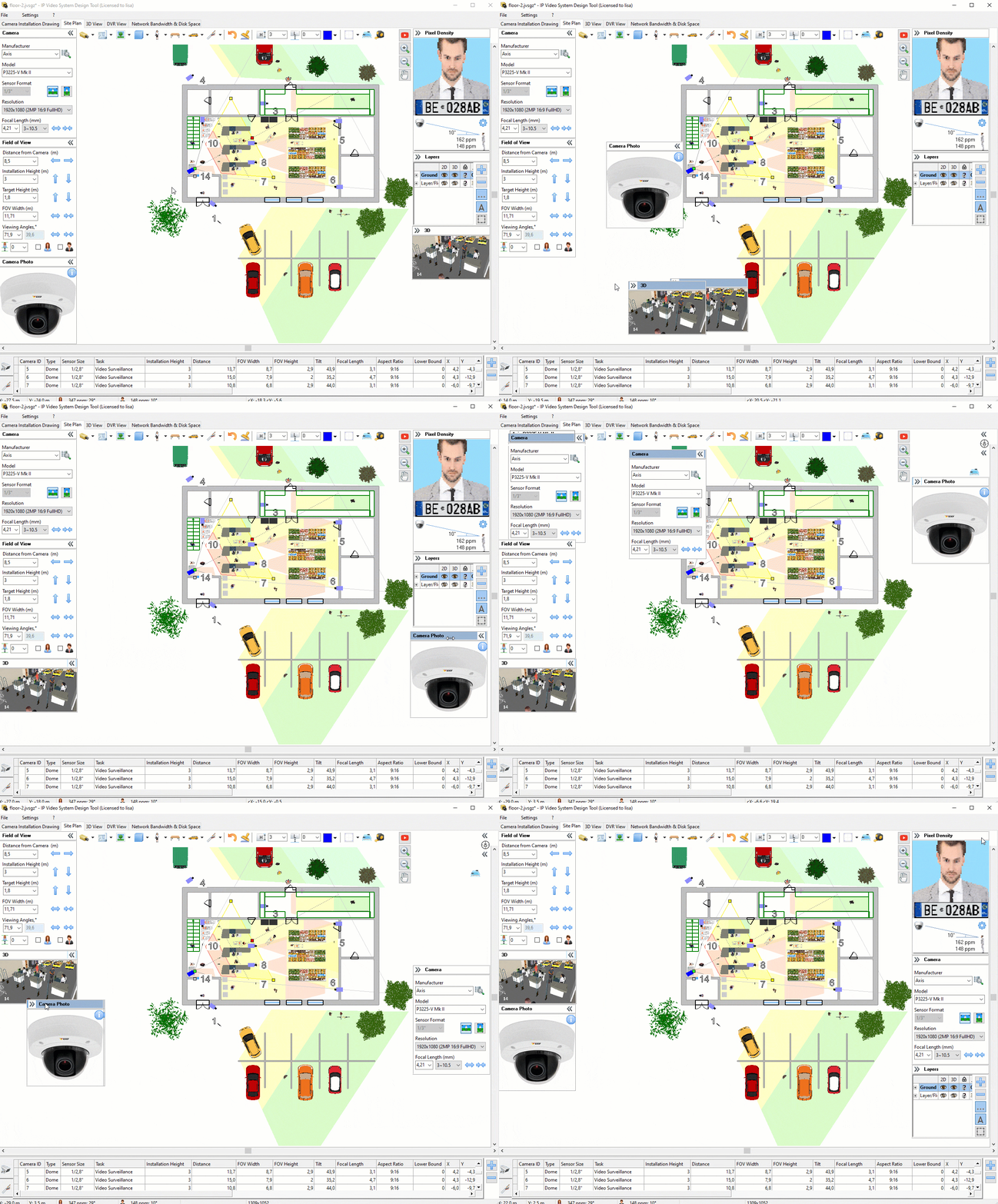
- User interface: movable side panels.
- Program windows: angles, cameras, 3D view are support drag&dock.
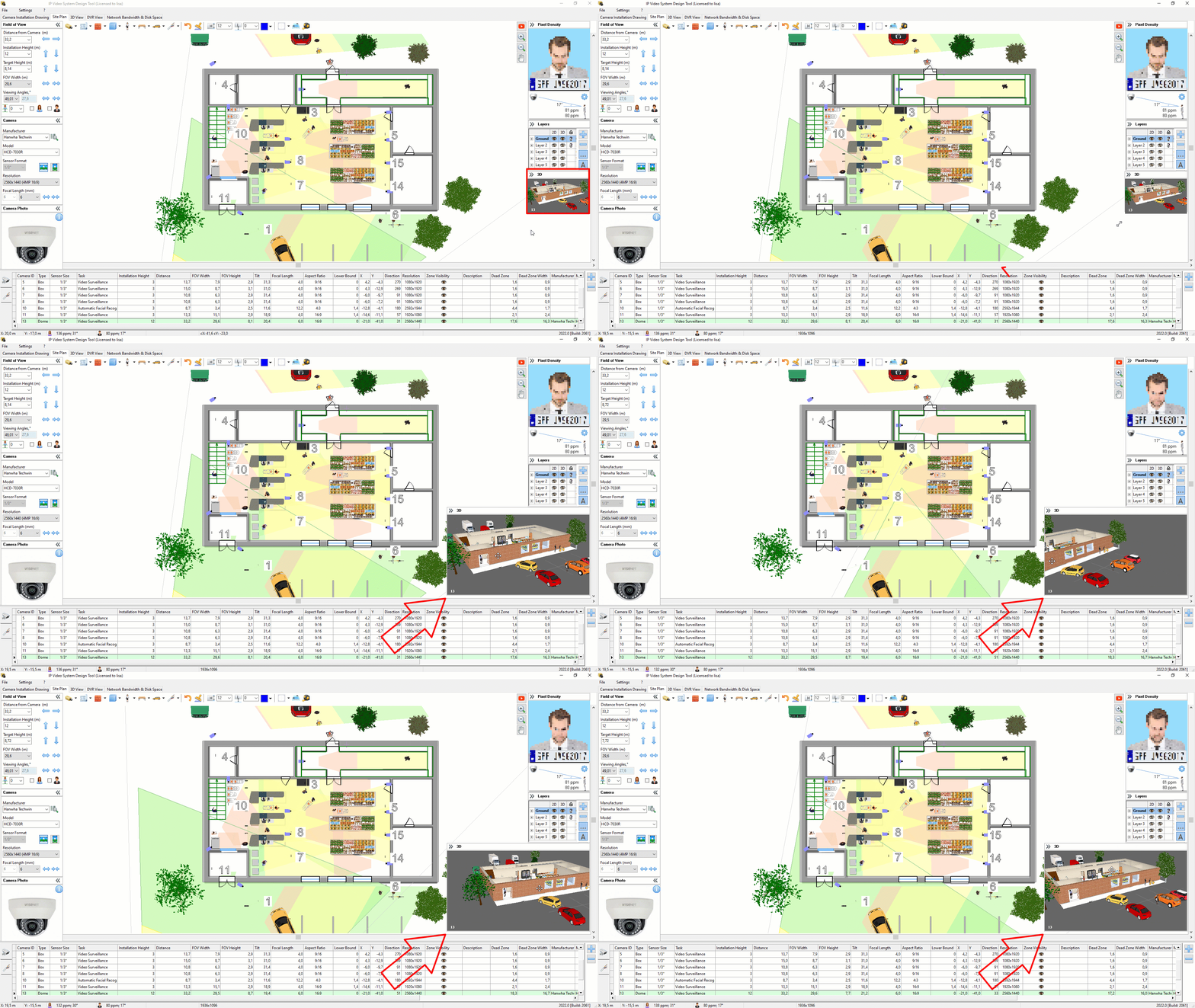
- Resizable 3D View window.
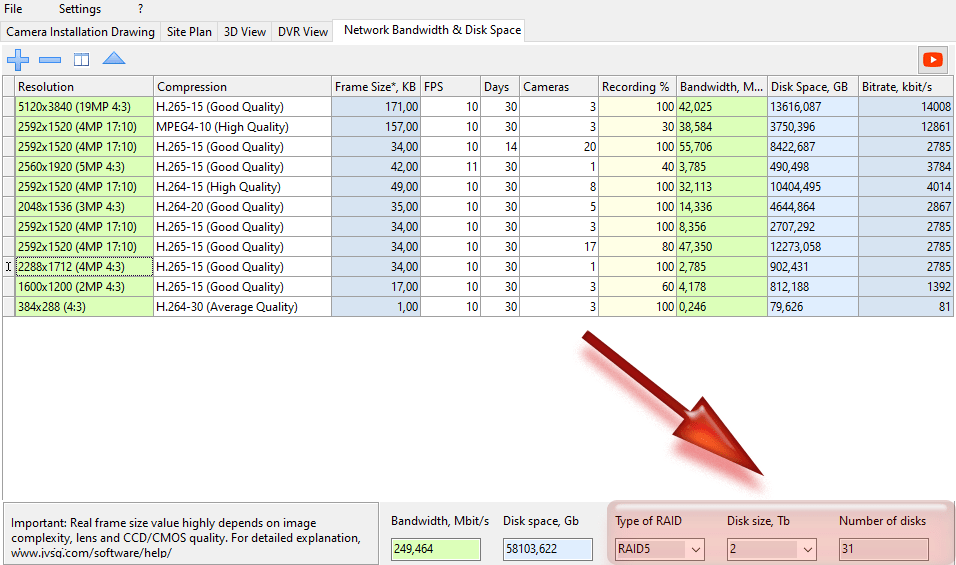
- The video archive storage estimator calculates the number of disks for a RAID array.
- Over 10,300 cameras in the database of camera models.
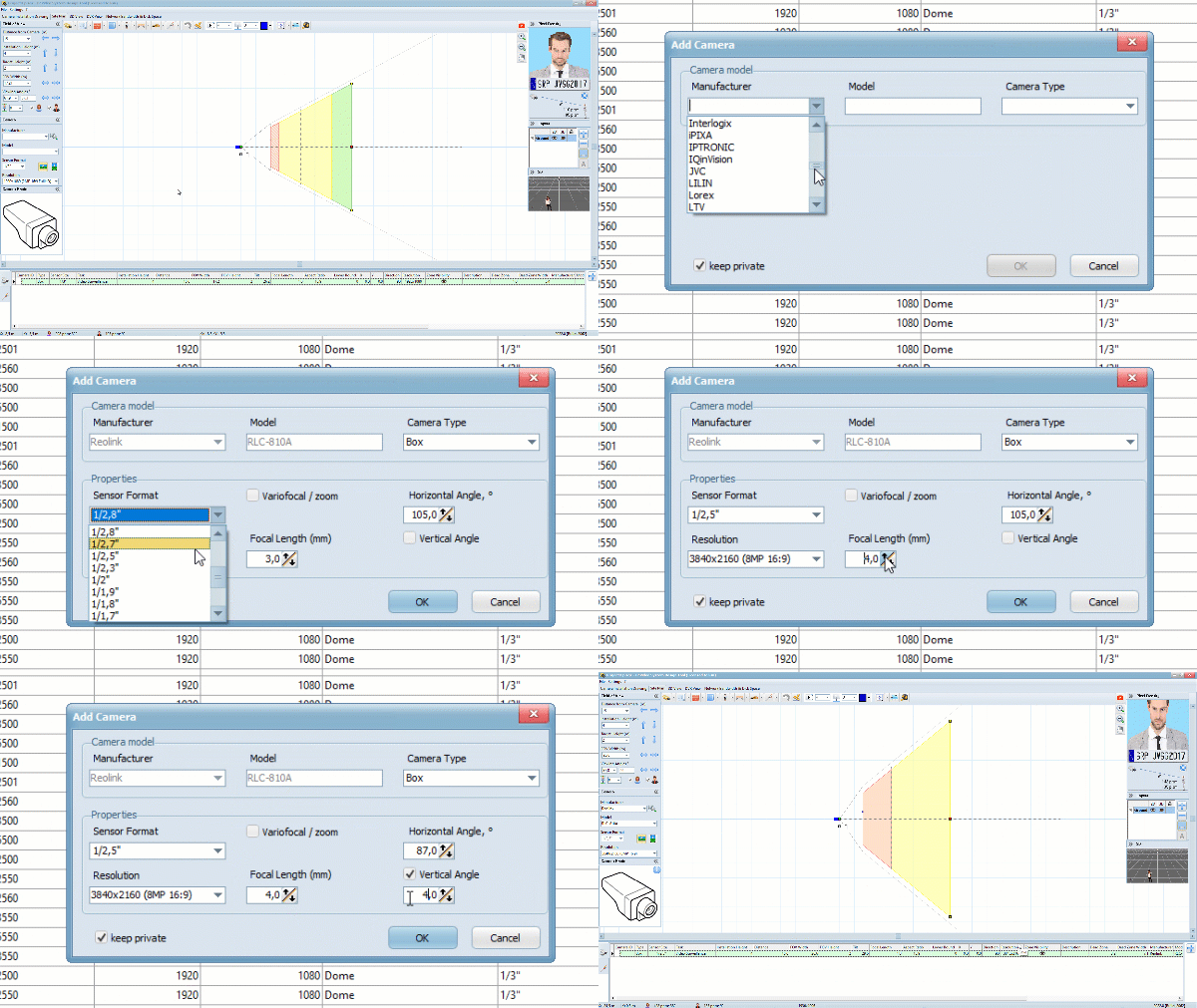
- New wizard tool to quickly add new camera models.
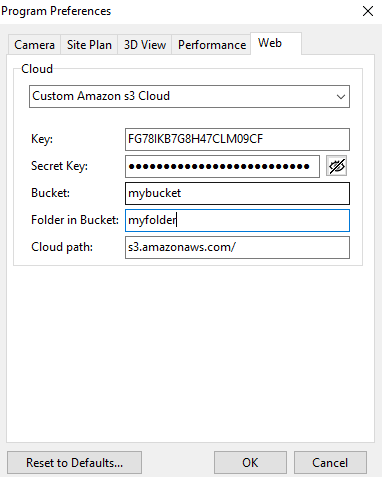
- Privacy improvements: the user can specify his/her own AWS (Amazon Web Services) Cloud account for sharing PDFs and images.
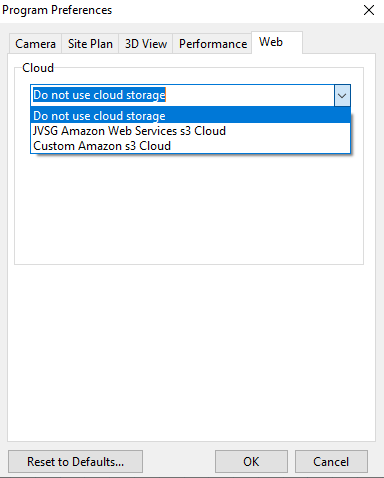
- Privacy improvements: Upload to Cloud functions can be switched off using menu/Settings/Program Preferences/Web tab.
- Wall element improvements: the user can add windows above doors or other windows.
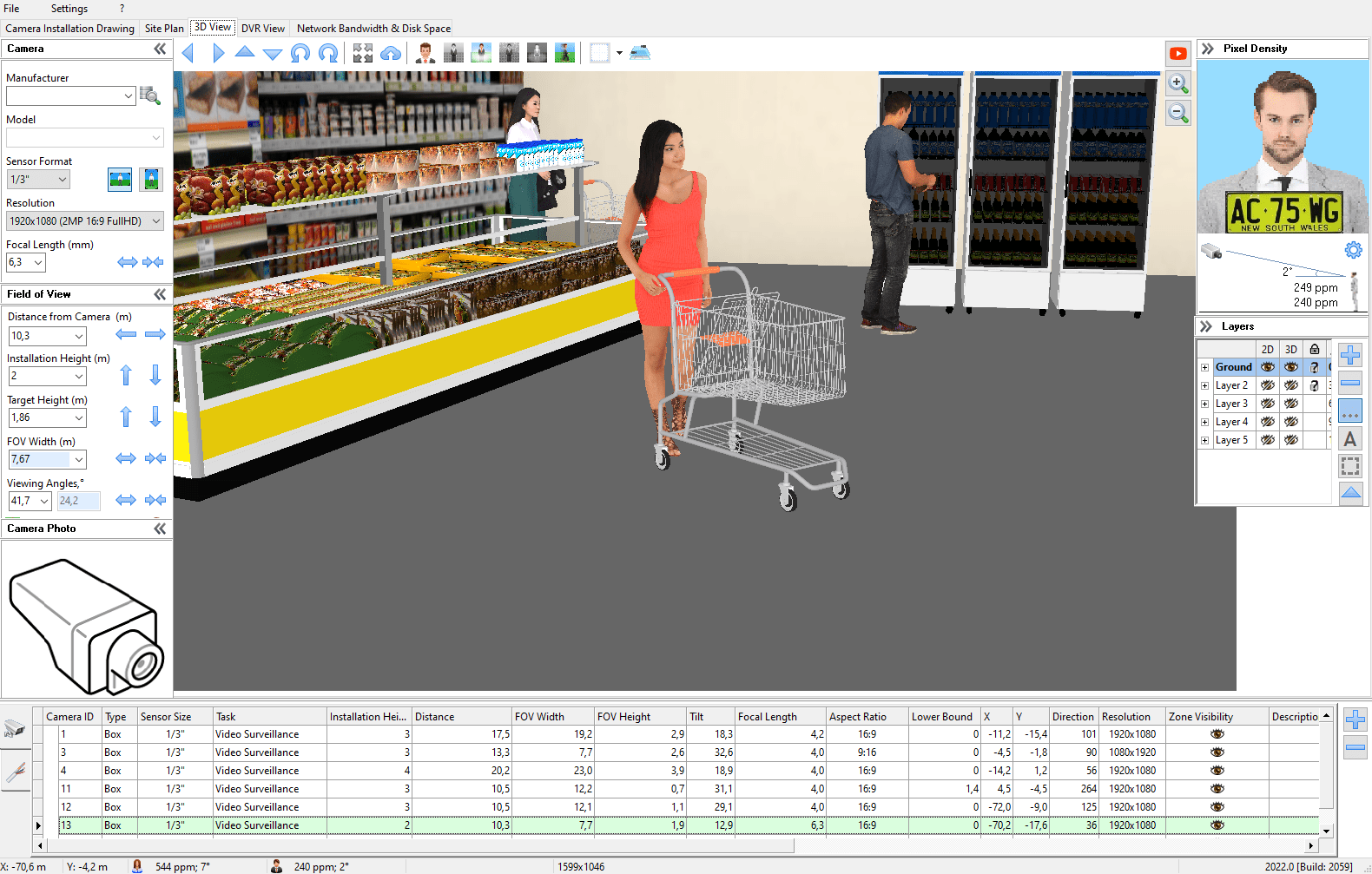
- New test 3D model (shopping cart).
- Improved support of different languages.
- Unicode support.
- New licensing system that allows offline activation (you may need to enter your purchased license key once again).
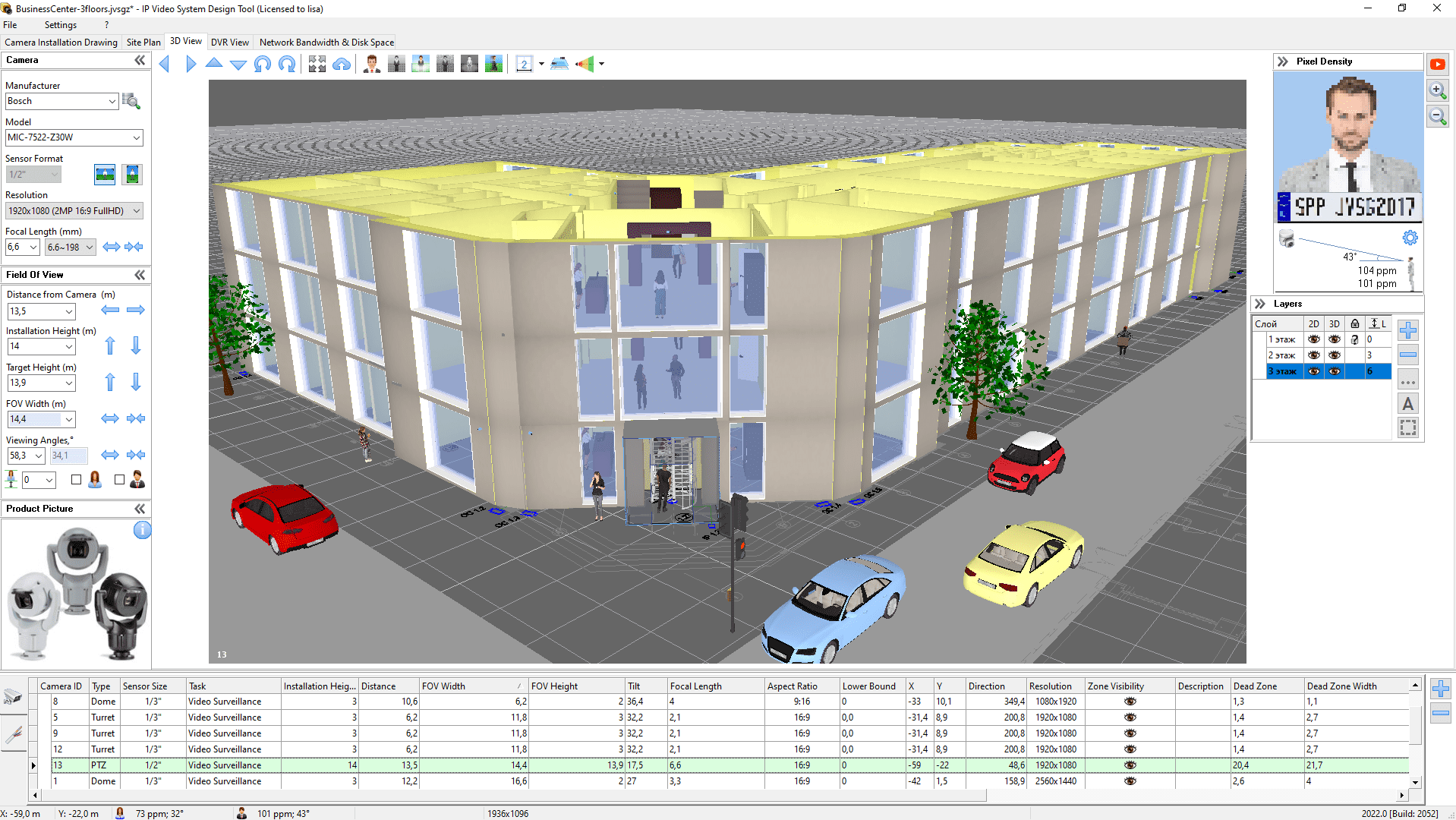
About license keys purchased in year 2021: If you purchased your license key or an upgrade during year 2021 you can enter your 11.2 license key to activate v.2022 build 2095 using “Enter New License Key” button (Menu/?/About).
If your version is older or you want to install the latest versions please visit Upgrades page.
Version 11.2 build 2012 for IP Video System Design Tool (21 of March 2022, Download link, upgrade)
- Small bugfixes.
- 10,244 cameras in the database
Comelit cameras have been integrated into IP Video System Design Tool and our online free CCTV Lens Calculator (24th of February 2022).
Version 11.2 build 2010 for IP Video System Design Tool (3rd of February 2022, Download link, upgrade)
- Improved maps auto-scale accuracy when importing backgrounds from Google Maps.
- The program can load some problematic DWG drawings (AutoCAD)
- Bug fix: correction for cameras with only horizontal angle specified in the database.
- 10,201 cameras in the database
Version 11.2 build 2009 for IP Video System Design Tool (11th of January 2022, Download link)
- Bug fix: slow down when switching to a cable list.
- Bug fix: disappearing of some 3D models of trees.
- Small bug fixes.
Version 11.2 build 2008 for IP Video System Design Tool (30th of December 2021)
- Updated AXIS, Eneo, IDIS, Trassir cameras.
- 10,143 camera models in the camera database.
- Bug fixes.
Version 11.2 build 2007 for IP Video System Design Tool (3rd of December 2021)
- Supported Illustra and Comelit cameras // build 2007
- Minor bug fixes // build 2006
- Better background scaling (important for large site or floor plans) // build 2004
- Bugfix: after File/New command the program was not allowing to set a camera task // build 2003
- Trial period length is 30 days // build 2003
- Bugfix: fish-eye zones on camera installation drawing // build 2002
- Bugfix: background disappear error // build 2001
- Bugfix: upgrade license keys limitations // build 2000
- Bugfix: max 5 cameras allowed in trial mode. // build 1998
- Multi-monitor configurations: main window coordinates are corrected when a monitor is disconnected. // build 1997
- Bugfix: sorting cameras by ID. // 1997
- Bugfix: Polygon tool error. // 1995
- Bugfix: popup menu disappeared after polygon tool usage. // 1995
- Bug fixes: VariantTypeCastError, InvalidOperation, VariantOverflowError, InvalidCast. // build 1992
Version 11.2 build 1991 has been published (12th of August 2021, upgrade)
- UI: Settings for camera tasks (ANPR, Face Recognition, Video Analytics) are moved to a separate tab Settings/Camera Zones Visualization/Tasks.
- Alternative ANPR settings : height of characters/letters on the license plate.
- PDF report: current camera location is marked with a frame on the site plan.
- Simplified roundish camera zones for multi-sensor cameras can be switched off using Program Preferences/Panoramic Multisensors checkbox.
- Improved pixel density ppm/ppf calculation for fish-eye cameras.
- UI: simpler way of making cables longer.
- Optimization: Performance optimization for obstacle detection code (5-8% faster).
- Optimization: loaded DWG fonts are cached.
- UI: All grid components are replaced with modern grid components.
- Over 9500 cameras in the camera database.
Version 11.1 build 1972 of IP Video System Design Tool has been released (17th of March 2021, Download link, upgrade)
- New clean style to display walls.
- UI: Quick camera search: the user can type the part of the camera model name when choosing camera models from the drop-down list.
- UI: The program shows graphical hints when selecting camera model from the drop-down list of camera models.
- UI: Hints for 3D models are shown near the 3D models menu.
- Optimization: Performance optimization for large projects.
- Optimization: PDF Export optimization.
- Bug fixes.
- Over 9200 cameras in the database of camera models.
Updated version of our online CCTV Lens Calculator is published. (3rd of March 2021)
Version 11 build 1957 is published (8th of January 2021, Download link, upgrade)
- UI: The user can set vector fonts for camera labels in the Program Preferences.
- Real Camera Resolution mode (RCR) now works for resolutions higher than screen resolution.
- Bug fix: Real Camera Resolution fixed.
Version 11 build 1945 is published (11th of November 2020)
- Optimization: 2 times faster loading of built-in 3D models.
- Optimization: memory usage optimization for built-in 3D models.
- UI: removed outdated camera models from the drop-down list (when checked “Only Available Models” checkbox in the camera database window).
- Updated Bosch, Hanwha, Hikvision and LunaIP cameras.
- 8872 cameras in the database.
Version 11 build 1935 is published (Download, 26th of October 2020, Download 11.0.0.1935 )
- Bug fixes.
More than 25 new features and improvements in IP Video System Design Tool 11
Version 11 build 1908 is published (31st of August 2020, Download link, upgrade)
- Multi-sensor cameras supported.
- Improved AutoCAD import [dwg, dxf] (Pro).
- ANPR Recognition Zone: New camera zone visualization type for Automatic Number Plate Recognition(Pro). Watch Video.
- Face Recognition Zone: New camera zone visualization type for Automatic Face Recognition (Pro). Watch Video
- Walls: you can set the thickness of the wall and specify colors/textures for both sides.
- IR-distance for cameras: IR distance is shown with red line (if specified in the camera database).
- Cable list: total length for each cable type is shown in the Cable list.
- Database of camera models is improved.
- Discontinued camera models marked gray in the camera database.
- Thermal cameras: Added Johnson’s criterion for thermal cameras.
- New 3D models (and will be more in the official release): new people models, bicycle, animals, shop 3D models: showcases, racks)
- New 3D models for Expert version: airplanes, helicopter, railway cars (Expert version).
- Google Maps: It is possible to enter Latitude and Longitude in the address bar
- Automatic camera database synchronization (when Check Updates is On)
- User Interface (UI) improvements: corridor mode button has been added. Aspect ratio drop-down list removed.
- UI improvements: Multi-monitor support. Full screen mode (F11 key) now opens 3D View window on the second display/monitor (if attached).
- UI improvements: Pixel density PPM/PPF value and inclination angle is shown under the Pixel Density Indicator (pixelated face with a license plate).
- UI improvements: Show/Hide Camera Zones button added to 3D View tab.
- UI improvements: Small button added near the Pixel Density Indicator to change number plate and test targets.
- UI improvements: Improved database editing.
- Fences and “Painting” objects can be curved (right click to open Popup menu).
- Added new 3D object: horizontal cylinder
- Supported TIFF file format for background.
- Updated Avigilon, AXIS, Eneo, Dahua, Digital Watchdog, Hanwha, Hikviision, Honeywell, Interlogix, Panasonic, Pelco, Uniview cameras.
- Added Reolink, Siqura, Luna, Amatek, Novicam cameras to the database of camera models.
- Number of camera models in the camera database is more than 8050.
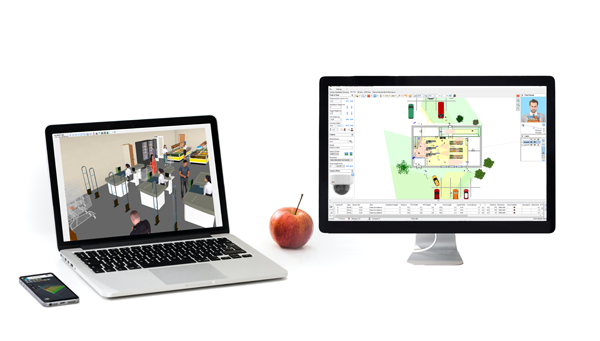
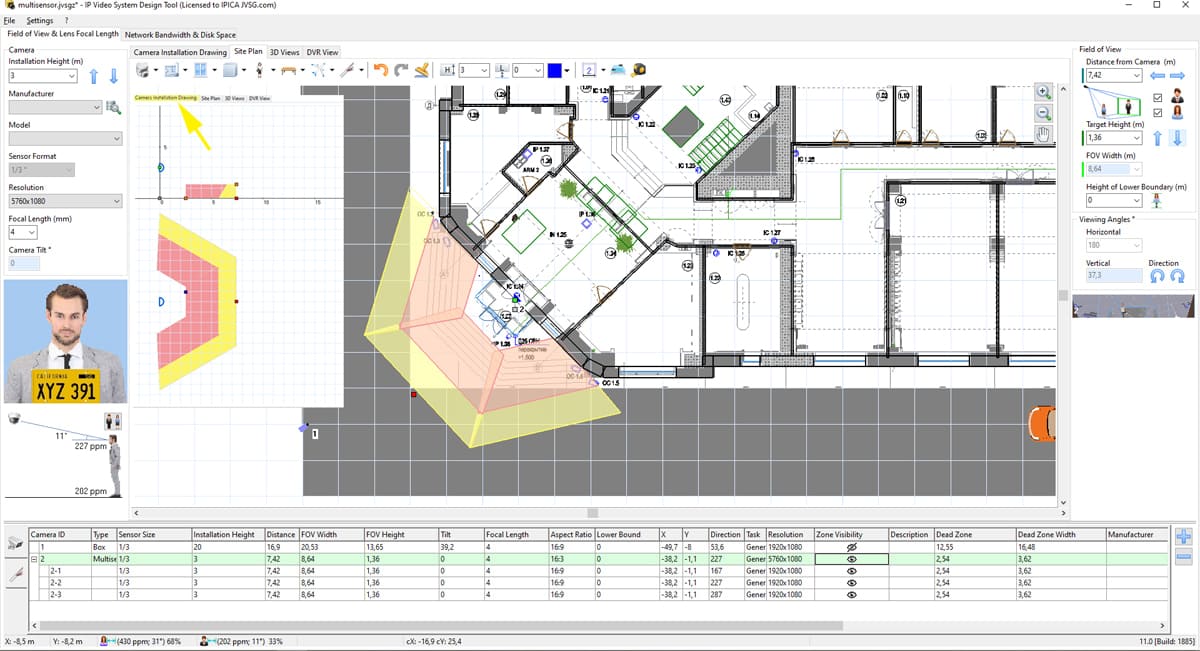
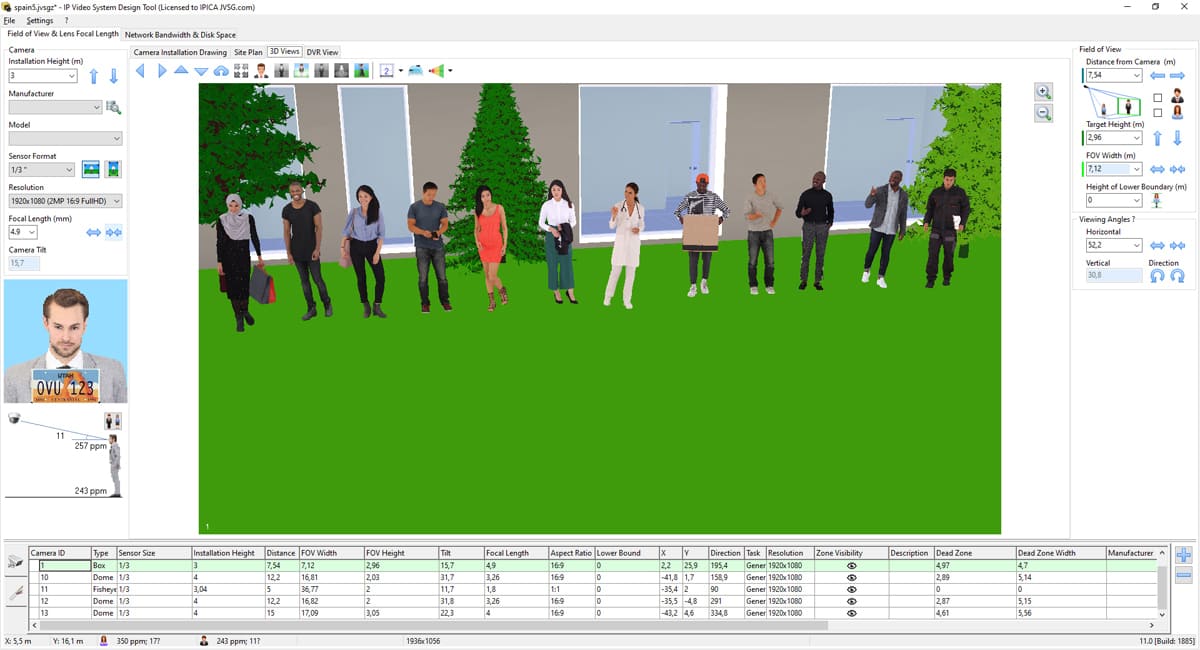
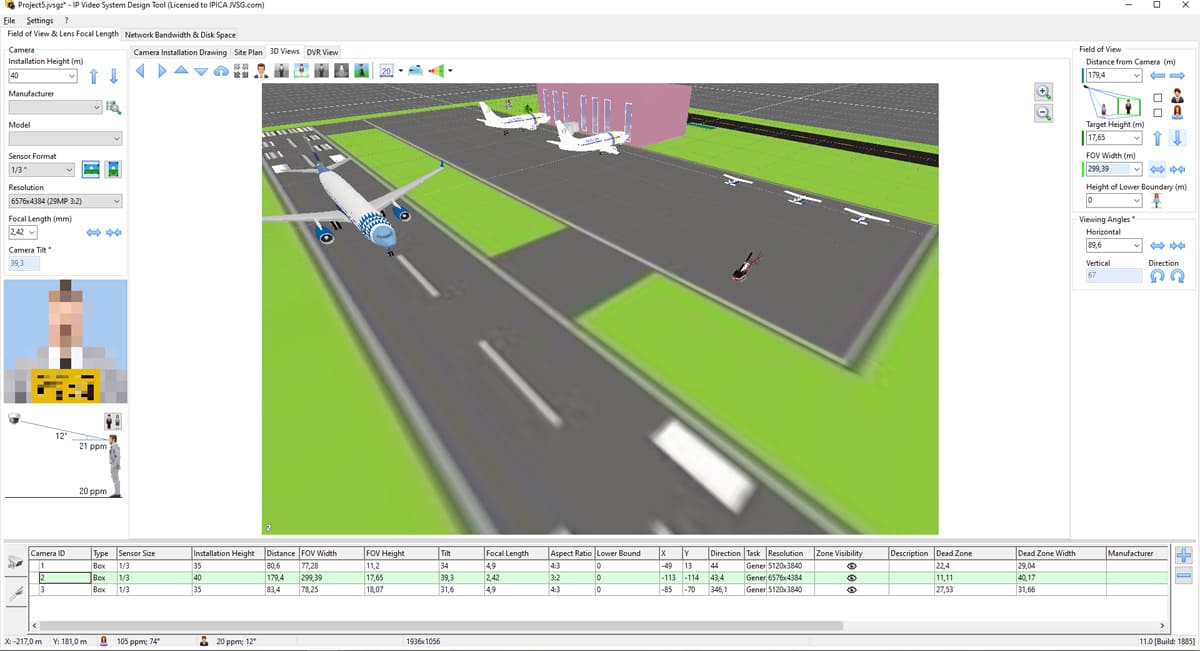
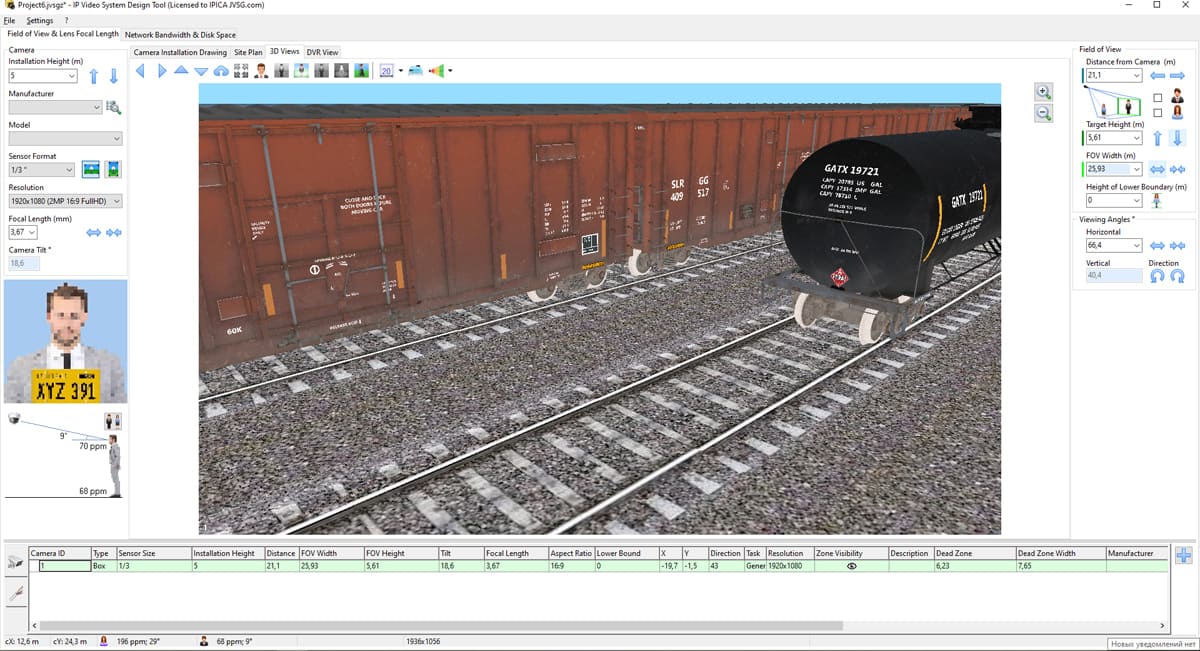
Video tutorial Design Automatic Number Plate (ANPR) and Face Recognition Systems in IP Video System Design Tool 11 (22 June 2020)
Video tutorial Quick CCTV System Modelling (30 April 2020)
Video tutorial How to calculate cable lengths in a CCTV system. (10th of April 2020)
New Youtube Video Tutorials in 8 different languages have been published (March 2020)
- English Video Tutorial (Camera Zones, Site Plan Tab, 3D View, Storage Calculator, User 3D Models)
- Video-Lernprogramme in Deutsch
- Tutoriel vidéo en français
- Video corso italiano
- Video tutorial en español
- Video tutorial em português
- دروس فيديو باللغة العربية
- Видеоуроки на русском языке
Test Version 10.0.0.1840 (29 November 2019, download, upgrade)
- Updated Bosch and Mobotix cameras.
- Supported ITS cameras: Luna HD and Luna IP series.
- Added Polyvision, Tantos and FalconEye cameras.
- 7696 camera models in the database.
- Bug fixes for version 10.0.0.1824.
Version 10.0.0.1824 (5th of September 2019)
- Supported drawings in Autodesk DWF format (Pro, Expert).
- Improved Autocad DWG/ DXF import function. The user can choose which AutoCAD layers to load.
- Supported background images in EMF (Enhanced metafile) format.
- Supported 467 ACTi cameras.
- Updated Eneo, Panasonic, Grundig cameras.
- 7095 cameras in the database.
Version 10.0.0.1821 (17 July 2019, download, upgrade)
- Updated Dahua, Bosch, TVT, Interlogix, RVi cameras.
- Supported LTV cameras.
- PDF report improvements.
- Added TVT cameras.
- Updated BOSCH, VIVOTEK, ABUS, RVI and UNV cameras.
- Bug fix for builds 10.0.0.1815-10.0.0.1820: PPF for fisheye cameras.
- 6178 cameras in the camera database.
Version 10 has been released
Version 10.0.0.1803 (published on 8th of April 2019).
- Google Maps integration (loads scaled backgrounds from Google Maps).
- Polygon tool to model objects of non-rectangular shapes (pavements, roads, lawn. The user can choose colors or textures from built-in list including a texture from imported Google Maps).
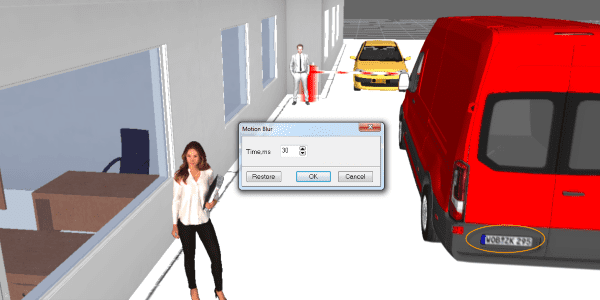
- Motion Blur effect.
- Find Camera Model tool. For a selected camera the user can search camera models from the database by right clicking the camera and choosing DB search.
- New high quality 3D models of people: 20 new high quality scanned 3D models.
- Added 3D models of people with umbrellas and people with tilted head.
- New 3D models: security equipment: metal detector frame, anti-shoplifting; sea containers 20ft and 40ft, two new tables.
- You can choose what camera manufacturers should be shown in the camera list (open database, then click Manufacturers button).
- New door types: roller shutter, double door, glass double door, fire door.
- The user can close doors on the site plan.
- Ethernet cable / twisted pair with length more than 100m marked yellow.
- Changeable test targets (faces and number plates).
- The program can use more memory (3.2 GB of RAM).
- Ruler tool shows angle between two lines.
- New Uniview cameras have been integrated.
- Geovision cameras have been supported.
- 80 Intelbras cameras supported.
- 82 Honeywell cameras have been integrated.
- 6 Geutebrueck cameras added.
- The program loads the camera database in 3 seconds. The program startup time is 3-4 times faster.
- 5784 cameras in the camera database.
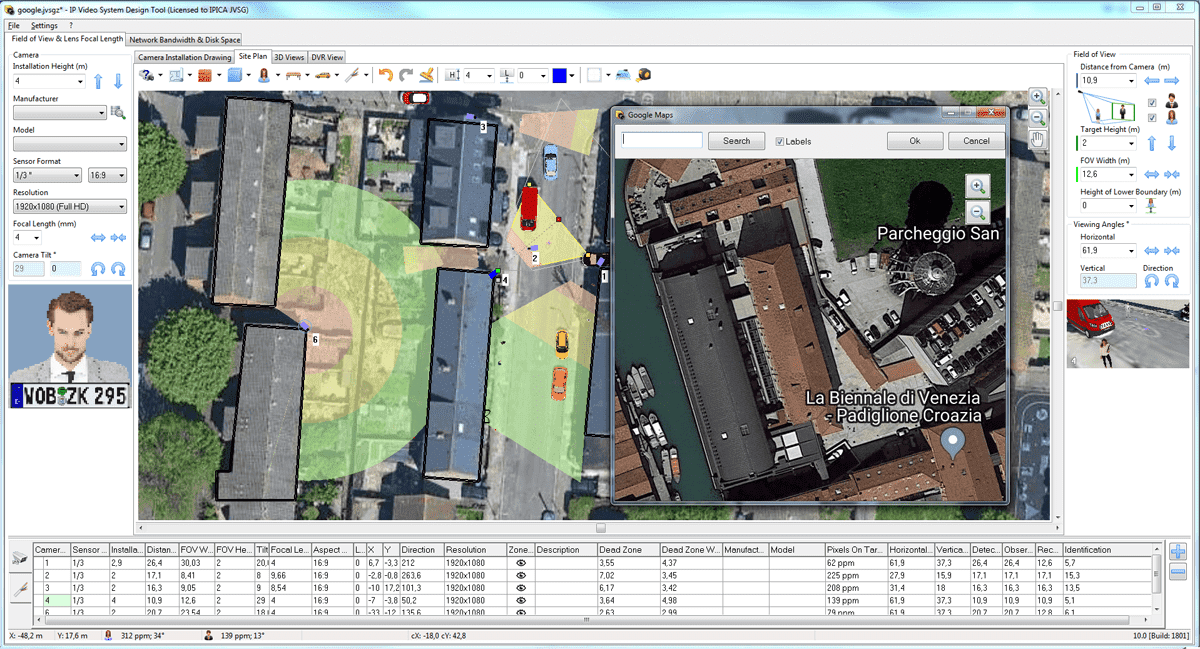

Version 10.0.0.1798 Beta (published on 2th of March 2019, beta version page, upgrade).
28 March 2019. New UNV cameras.
New models of UNIVIEW cameras have been integrated into IP Video System Design Tool.
If you use version 9.2 please go to menu/?/Check for new versions and click Synchronize button.
20 March 2019. We presented the new version 10 of our design tool.

Version 9.2.0.1762 (updated on 1st of March 2019, download, upgrade)
- Fixed: transparent PNG areas became black (also black background on DWG import). Likely caused by Windows 10 update.
- 5584 cameras in the camera database
Version 9.2.0.1761 (updated on 20th of February 2019, download, upgrade)
- 3D Face (pixel density indicator) to PDF export bug fix.
Version 9.2.0.1760 (updated on 24th of January 2019, download, upgrade)
- Memory allocation optimization (for large projects and large files).
- Added some FLIR camera models.
- Updated AXIS, Dahua, Hikvision, Panasonic, Vivotek cameras.
- Supported Santec, Infinity, Evidence, QTech, Optimus cameras
- Updated RVi, Bolid cameras.
- Added Grundig cameras.
- Bug fix: Walls cut zones for walls and boxes below FOV height.
Version 9.2.0.1736 – 9.2.0.1750 (updated on 4th of October 2018)
- Added 60 Panasonic and 200 Dahua cameras into the database.
- Added 4 VisualInt/SnapAV and 41 QTECH cameras into camera database.
- Bug fix: ruler and cables (when the user cancels an operation).
- Bug fix: wall bufferization cache.
- Bug fix: corridor mode.
- Added Avigilon cameras.
- Important bug fix for PTZ cameras (1736).
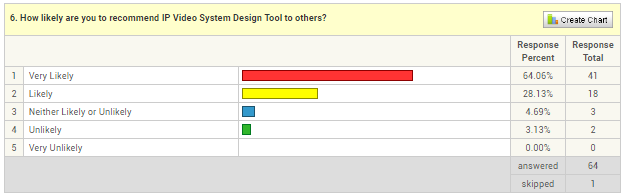
6th of September 2018. Published 2018 Customer Satisfaction Survey Results
Version 9.2.0.1705-1734 (updated on 31nd of August 2018)
- Panasonic and Vivotek cameras updated. 3930 camera models in the database.
- Bug fix: PTZ cameras with non-standard angles.
- Updated Mobotix, Bosch, Dahua and Nobelic cameras.
- Faster DWG loading (Pro).
- Performance optimization for drawing cables.
- Performance optimization: added “Cached 3D models on Site Plan” checkbox (menu/Program Options/Performance tab) for projects with hundreds of built-in 3D models. When enabled the program generates and shows flat 2D models instead of 3D models on the Site Plan tab.
- Memory usage optimization on exporting large PDF reports.
- Trees rendering optimization.
- PDF backgrounds by default are loaded with 600 DPI (was 150 DPI by default) to improve PDF quality.
- Fisheye buttons correction.
- 3D Preview window performance optimization.
- The new Enterprise version for large projects has been implemented.
- Updated PDF renderer.
- Added a checkbox to show/hide manufacturer & model column in PDF reports.
More than 20 new features and improvements in IP Video System Design Tool 9.2
Version 9.2.0.1704 (updated on 5th of June 2018)
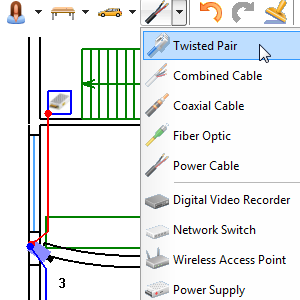
- Added cables and cable length calculation (Pro and Basic versions).
- Added a Cable List page to PDF reports.
- AutoCAD DWG 2018 drawings support (Pro).
- Measuring Tape tool has been added.
- Added new 3D-models: cash register, barrier, and turnstile.
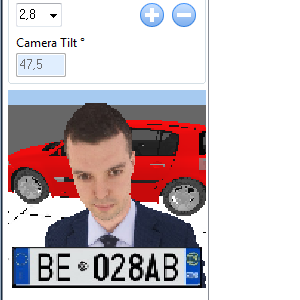
- The pixel density indicator (shown man’s face and a number plate with the calculated pixel density) has been improved.
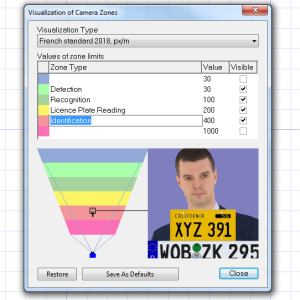
- Apart from EN62676-4 camera zone visualization the tool supports new French standard: Detection: 30 PPM, Recognition: 100 PPM, License plate reading: 200 PPM, Identification: 400 PPM.
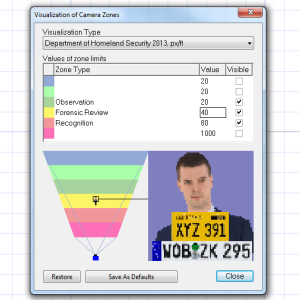
- Supported camera zone visualization mode for Department of Homeland Security (DHS) recommendations Observation: 20 PPF, Forensic review: 40 PPF , Recognition: 80 PPF (Digital Video Quality Handbook 2013-2018 )
- Ultra high resolution backgrounds are supported (up to 10000 x 10000 pixels).
- Improved the quality of imported PDF drawings.
- Layers functions have been improved.
- The user can upload PDF reports to the Cloud.
- The user can remove PDF, 3D View and drawings from the Cloud using Remove button.
- Added buttons for selecting the orientation of the fisheye camera.
- Added Quick jump button for camera parameters (to the page with the characteristics of the camera on the manufacturer’s website).
- The graphics kernel has been improved.
- All long operations can be canceled with Cancel button.
- Sliced large background images are stored in JVSGZ project file to faster loading.
- User 3D models import functions for OBJ files have been optimized. Now the program imports OBJ 3D models 10 times faster (Pro).
- In the Basic version: оbstacles of visibility zones are taken into account (the maximum number of cameras is limited to 16).
- AXIS, Vivotek, IDIS camera models have been updated in the camera database. IndigoVision, Satvision and Eneo manufacturers have been added to the camera database.
- Added Hanwha Techwin cameras.
- Updated German and French localizations.

More than 25 new features and improvements in IP Video System Design Tool 9.1
Version 9.1 build 1653 (updated on 19th of December 2017, download, upgrade)
- New photorealistic 3D models: scanned people.
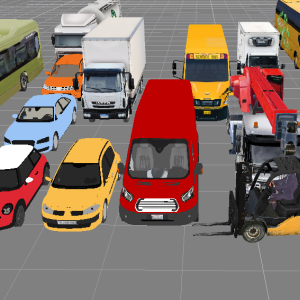
- New 3D models: trucks, cars, buses, a motorbike, a mixer, a forklift, a monitor.
- Supported cameras with non-standard wide lenses.
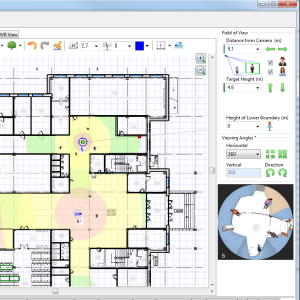
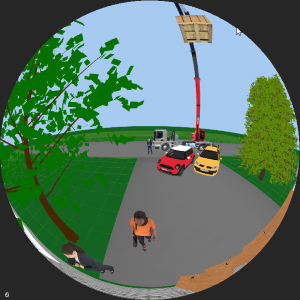
- Fish-eye cameras simulation. Supported 3D View for cameras with fish-eye lens (pro).
- The user can choose a lens from the list of lenses for each camera model.
- Supported windows and doors for curved walls.
- The user can add a project description or a custom text into exported PDF files.
- The user can add custom PDF pages to the project.
- Supported user 3D models in OBJ format (pro).
- Supported site map / floor plan import from TIFF files (in addition to already supported PDF, JPEG, PNG and BMP).
- Redesigned Site Plan Toolbar.
- Improved Clone Stamp Tool.
- Added Undo/Redo buttons on the Siteplan toolbar.
- Added 20 different license plates for cars.
- Faster program loading: the program starts in 10 seconds and loads camera database later.
- Improved 3D models of software generated trees.
- Supported new Hikvision camera models.
- Updated AXIS and DigitalWatchdog camera models.
- Added new Panasonic camera models.
- Added Bolid, RVi and Satvision cameras.
- Geutebrueck cameras updated.
- Supported new Dahua cameras.
- Performance optimization for large projects.
- 3D models preview has been implemented.
- Smart localization tool added (new texts are highlighted, added Next/Previous buttons).
- New default camera resolution: 1920×1080 16:9 (most popular camera resolution in 2017).
- The user can move camera labels.

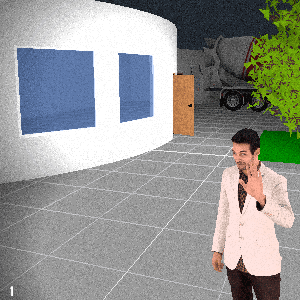
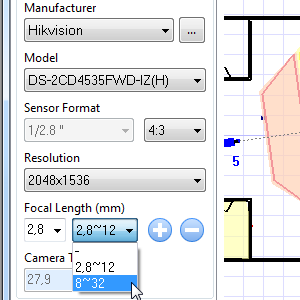
Version 9.0 build 1555 (updated on 15th of May 2017, download link, upgrade)
- New project file format .jvsgz contains the project in XML format, background images and user 3D models in the single compressed (ZIP) file.
- New tool: Stamp. With the Stamp tool, the user can quickly add dozens of walls on the site plan. The new wall will be connected to the previous wall.
- With the Stamp tool, you can add multiple test people, cars or trees in seconds.
- New visual effect: black/white camera (Pro).
- New visual effect: fog emulation (Pro).
- New visual effect: night and noise (Pro).
- New visual effect: projector (Pro).
- Added smart Sort by ID function to arrange cameras by their ID: 1, 1.1, 1.2, 2, 3.1, 3.2, 10A, 11.
- The user can convert a straight wall into a curved wall by right clicking the wall and by selecting Convert to Curved from the popup menu. It is possible to create a curved glass wall.
- Operations with multiple selected objects are improved.
- When the user changes the measurement system, for example from Metric (m) to Imperial (ft) the project including wall length, camera distances e.t.c is recalculated.
- Added flip and rotation buttons on the PDF file import window.
- Added a PDF file compression. An average exported PDF file size is about 50% smaller than before.
- The program supports additional PDF import DPI resolutions: 200 DPI, 150 DPI.
- Improved the graphical performance on large projects.
- UI redesign: horizontal and vertical camera FOV angles are moved to the right FOV panel. The man’s face with a number plate is moved to the left to save the height of the program’s panels for laptops with 1366×768 screens resolution.
- Toolbar and button icon’s size have been increased from 16х16 to 24х24 pixels to support high resolution and retina displays.
- The user interface of bandwidth and storage space calculation has been improved.
- Improved compatibility with Windows 10: improved ZoomIn/Zoom Out function with the mouse wheel.
- Camera database update. Updated AXIS, Dallmeier, IDIS, Vivotek, VisualInt, IPIXA camera models.
- Interlogix, UNV, Convision, OnCam, Mobotix and RVi cameras added. Now the database of camera models contains more than 2400 cameras.
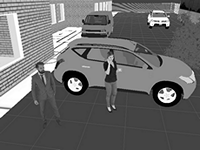
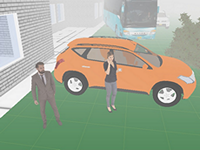
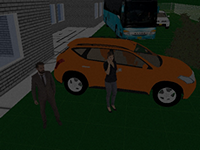
New video tutorials have been published:
- Part 1: Camera installation drawing, camera parameters, field of view, pixel density.
- Part 2: Identification, recognition, detection and monitoring zones.
- Part 3: Site plan. Finding optimal CCTV camera locations.
March 2017. We presented the new version 9.0.

Version 8.1 build 1348 (updated on 11th of April 2016, download link, purchase an upgrade from versions 7 or 6)
- Mouse Double click opens Properties window for stairs, fences, tilted surfaces.
- Supported Collada 1.5 format for user 3D models.
- Supported H.265 compression codec on bandwidth and storage space estimations tab.
- IDIS cameras added.
- VIVOTEK and Panasonic 4K camera models have been updated.
- Supported new camera models from Panasonic, Pelco, Dallmeier.
- You can import AutoCAD DXF files in both Vector and Picture format.
- Added EN50132-7 test chart.
Version 8.1 build 1271 (17 December 2015)
- Improved support of Fish-eye cameras. You can switch between Ceiling/Wall mounted mode by choosing 360/180 degrees (Horizontal Angle field).
- PDF reports improvements. The program adds test person faces into PDF reports.
- Added CTRL+W hotkey to quickly add a wall.
- VIVOTEK camera models were updated.
- Program Preferences settings have been simplified. You can use CTRL+F10 to see the old version of Program Preferences window.
Version 8.1 build 1180 (13 July 2015)
- The graphical core of the program has been rewritten and optimized for OpenGL 4.0 drivers. The graphical program performance is significantly improved (3-20 times) on Nvidia cards (including NVidia NVS4200) and Intel HD Graphics cards.
- The user can change colors of doors. It is possible to change colors of furniture.
- You can drag-and-drop .jvsg project file to the program to open the project
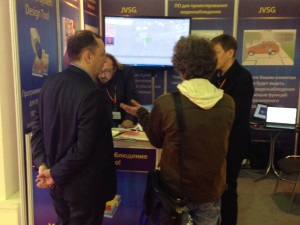
16 June 2015. We have presented IP Video System Design Tool version 8.1 at IFSEC Trade Show in London.

See photos from IFSEC 2015: